Text QR Code Generator
Show a short message on any phone with one scan, no link, no internet needed. Add notes, instructions, or codes in up to 300 characters, then print it anywhere.


Text to QR Code: Text QR Code Generator
Convert text into a QR code and share it with your audience and consumers


What Is a Text QR Code?
A Text to QR code allows you to share simple text, like words, sentences, digits, numbers, and special characters. The text is displayed after scanning the QR code. Users do not need an internet connection to view the text, making text QR codes useful for offline information sharing. You can use a text QR code to share short notes, instructions, plain text, item codes, reference numbers, classroom prompts, product information, or other short text that users can view instantly after scanning. Note: Text QR codes are static, and QRCodeChimp supports up to 300 characters, including spaces. If you need to change the text later, create a new text QR code.
What Text Can You Add to a QR Code?
You can create a QR code for different types of short text content. This helps users view information instantly after scanning without opening a web page or needing internet access.
Plain text
Convert plain text into a QR code for simple information sharing. This is useful for short descriptions, messages, labels, and offline notices.
Words and sentences
Create a QR code for words, sentences, phrases, or short paragraphs. This works well for instructions, educational prompts, and short information blocks.
Numbers and codes
Use a text QR code to share serial numbers, item codes, reference IDs, coupon codes, internal codes, or short numeric information.
Notes and instructions
Create a QR code for notes, usage steps, safety instructions, care instructions, classroom activities, or operational guidelines.
Special characters
Text QR codes can include digits, numbers, and special characters supported by the text field. Always test the QR code before printing or sharing.
Short offline text
Use text QR codes for short offline messages that users can view instantly after scanning, even without internet access.
How Does a Text QR Code Work?
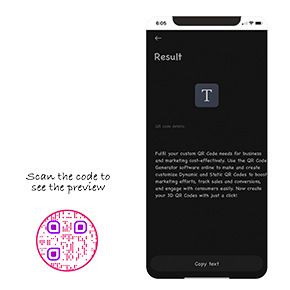
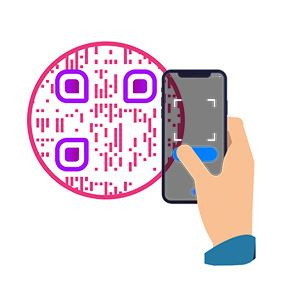
A text QR code allows you to share text with your consumers and audience. Here's how a text QR code works.

Benefits of a Text QR Code
A text QR code is a simple way to share short information with users, even when they do not have internet access.
1️⃣
Share text instantly
Users can scan the QR code and view the text immediately. This makes text QR codes useful for quick information sharing.
2️⃣
Works without internet
Text QR codes do not need an internet connection. The text appears after scanning because it is stored inside the QR code.
3️⃣
Simple and lightweight
Text QR codes are ideal for short text, notes, instructions, numbers, codes, and offline messages that do not require a web page.
4️⃣
Useful for print and digital materials
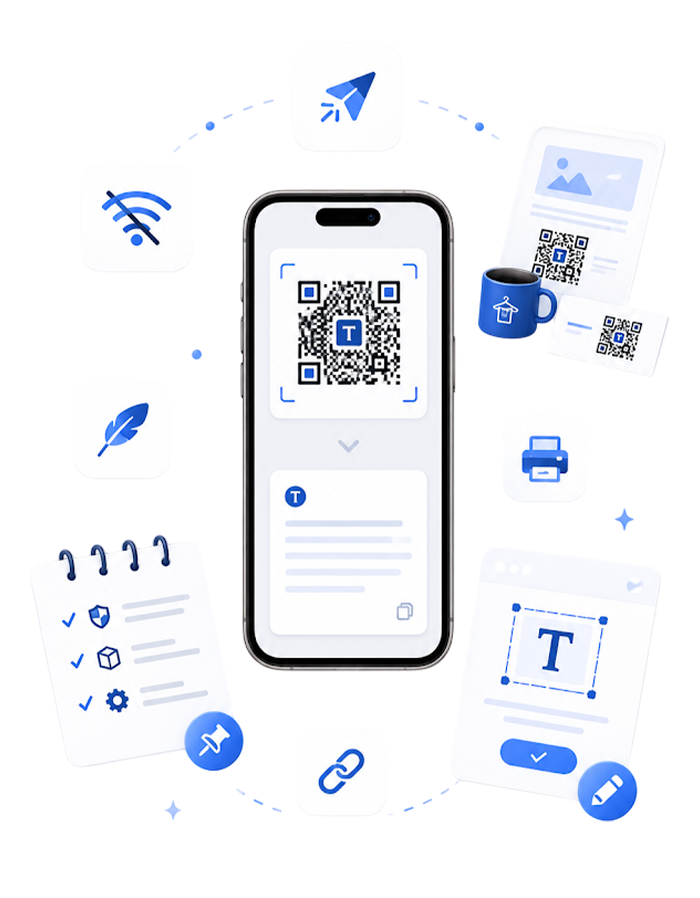
Add text QR codes to posters, labels, packaging, cards, manuals, classroom materials, notices, documents, or digital files.
5️⃣
Supports short notes and instructions
Use text QR codes to share safety instructions, product care steps, classroom prompts, internal notes, or short operational guidelines.
6️⃣
Easy to create
You can create a free text QR code online, customize it, download it, and use it wherever users need quick access to plain text.
Where to Use a Text QR Code
You can use a text QR code at various places, including:
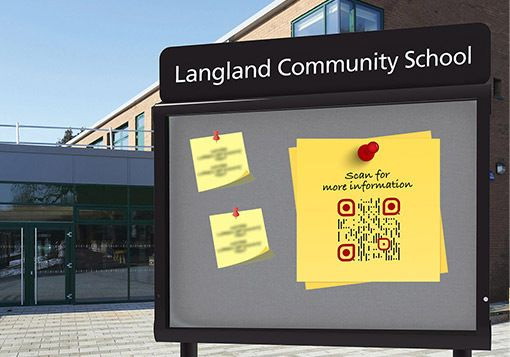
Educational institutes
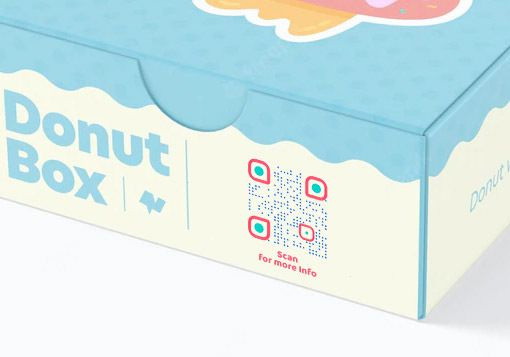
Product packaging
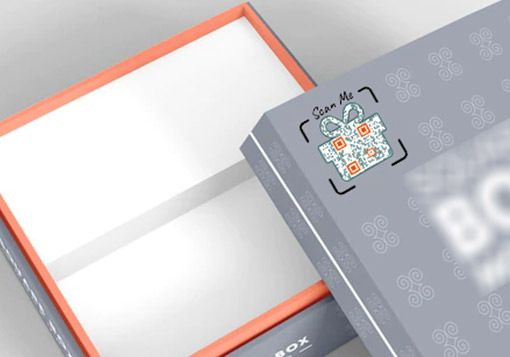
Discount coupons

Consumer electronics

Hidden codes and passwords

Information sharing
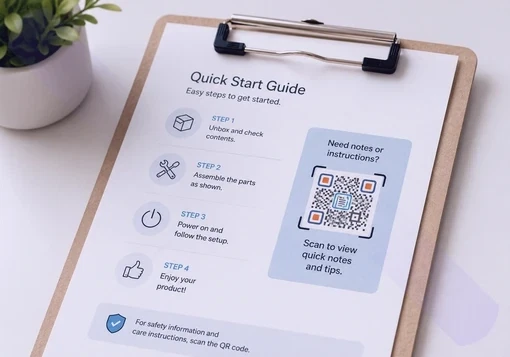
Notes and instructions

Events and exhibitions
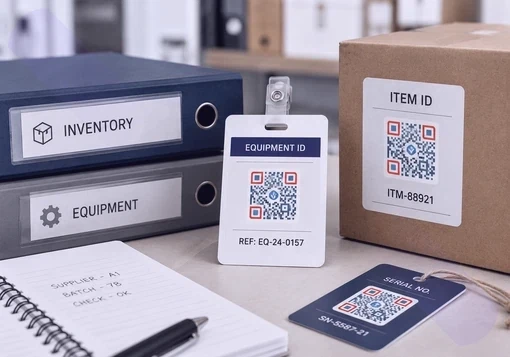
Internal codes and IDs
Best Practices for Using a Text QR Code
Encourage your users to scan your text QR code more frequently by following these tips:
Make your text QR code actionable
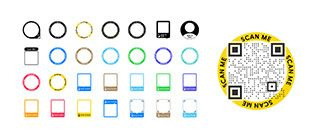
Adding a call to action (CTA) to your text QR code can improve its scan rate significantly. Choose from 150+ stickers with CTAs offered by QRCodeChimp to make your QR codes actionable.


Add a description with your text QR code
Include a short description with your text QR code, explaining how people should scan it and what they will receive after that. Educating your users about your text QR code will result in more scans.
Customize your text QR code
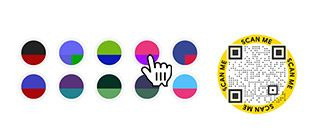
If your text QR code is attractive, it will get more scans. Use shapes, colors, and the 3D effect to give your text QR code a fantastic look and encourage people to scan it more often.


Add a logo to your text QR code
Your users will identify your QR code if it has your logo. This will result in consistent branding and help you get more scans.
Create and Manage Text QR Codes With QRCodeChimp
QRCodeChimp’s text QR code generator helps you create, customize, and download QR codes for plain text and short offline information.



Frequently Asked Questions
- What is a text QR code generator?
- How to create a Text QR Code?
- Can I convert special characters into a text QR code?
- Can my users scan a text QR code without the internet?
- Is a text QR code static or dynamic?
- Is there any character limit for the text?
- Is it possible that my QR code opens web instead of text message?
- Can I convert text to a QR code for free?
- Can I convert a string to a QR code?
- Can I create a QR code for notes or instructions?
- Does a text QR code need the internet?
- Is a text QR code static or dynamic?
- What is the character limit for a text QR code?
- Does a text QR code open a web page?
Frequently Asked Questions
What is a text QR code generator?
A text QR code generator is a tool that converts text into a QR code. Users can scan the QR code and view the text instantly.
How to create a Text QR Code?
Creating a text to QR code is easy and takes a few seconds. Follow these steps to create a QR code for text.
Step 1: Enter Your Text
Enter your text in the 'Text' field.
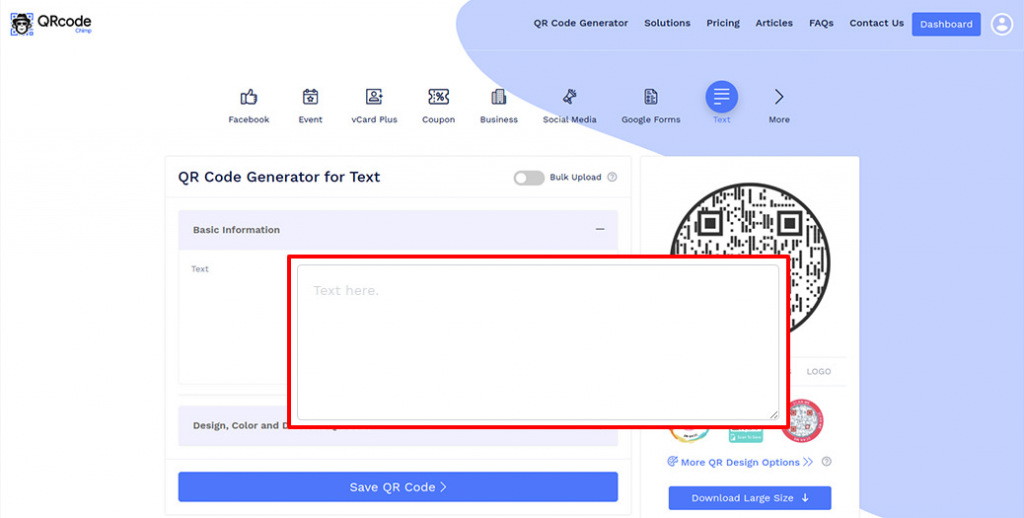
Step 2: Design Your QR Code
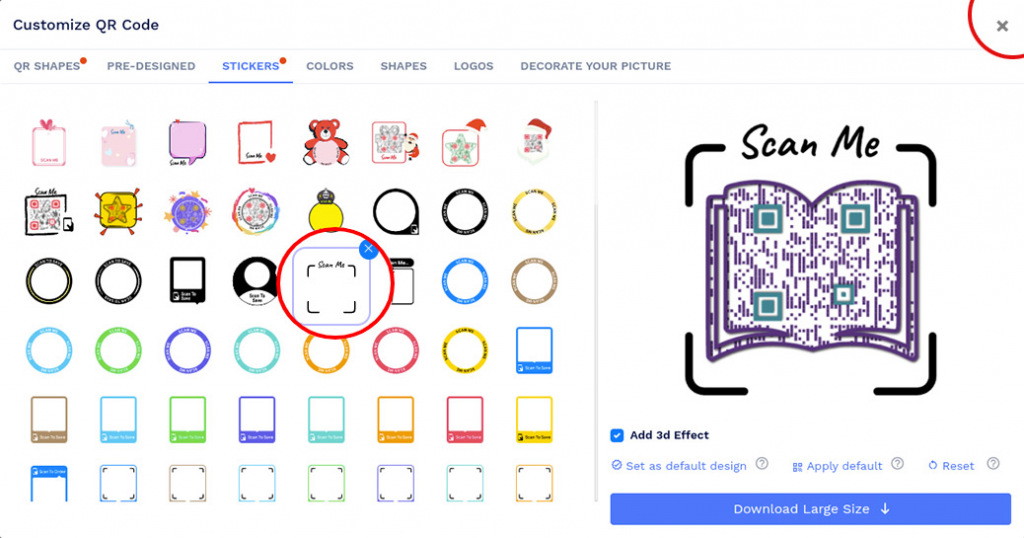
Click on 'Design Color and Decorate QR Code' to customize your QR Code design (ex: adding color, shape, sticker).
Note: Click on the 'x' icon of the 'Customize QR Code' popup to save changes.
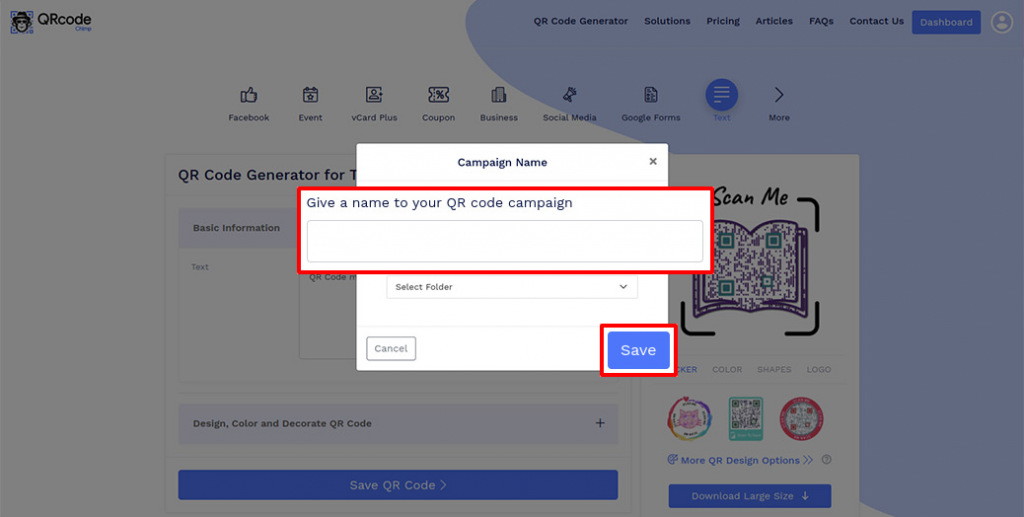
Step 3: Save and Download
Save the QR Code by clicking on the 'Save QR Code' button, entering the QR name, and then clicking on 'Save.'
Note: Make sure to scan your QR Code from different devices (iOS and Android) before printing for production.
Can I convert special characters into a text QR code?
Yes, you can convert any text into a text QR code. This includes simple words, numbers, and special characters. You can even include emojis in your text and convert them into a text QR code.
Can my users scan a text QR code without the internet?
Yes, a QR Code for Text doesn't require an internet connection. Users can scan the code from their preferred QR code scanning app and view the attached text. A text QR code is compatible with all Android and iOS devices.
Is a text QR code static or dynamic?
A text QR code is always a static code. Hence, you can't change the linked text once you create the code. If you want to change the text, you'll need to create a new text QR code.
Is there any character limit for the text?
Yes, QRCodeChimp’s text QR code generator has a character limit of 300 characters (including spaces). In contrast, a Twitter post has a limit of 280 characters. Hence, you can share a text as long as a tweet using a text QR code.
Is it possible that my QR code opens web instead of text message?
No. Scanning the Text QR code will display the encoded text. However, you may use our 'URL QR Code' solution if you want to redirect users to the web.
Can I convert text to a QR code for free?
Yes. You can use QRCodeChimp to convert text to QR code online for free. Enter your text, customize the QR code, and download it for print or digital use.
Can I convert a string to a QR code?
Yes. You can convert a string, word, number, short note, or plain text into a QR code using QRCodeChimp’s text QR code generator.
Can I create a QR code for notes or instructions?
Yes. You can create a text QR code for notes, instructions, short information, special characters, and offline text. Users can scan the QR code and view the text instantly.
Does a text QR code need the internet?
No. A text QR code does not need an internet connection. The text is stored inside the QR code and appears after scanning.
Is a text QR code static or dynamic?
A text QR code is static. Once the QR code is created, the encoded text cannot be changed. If you need to change the text, create a new text QR code.
What is the character limit for a text QR code?
QRCodeChimp supports text QR codes up to 300 characters, including spaces.
Does a text QR code open a web page?
No. A text QR code displays text after scanning. It does not open a web page unless the encoded text itself is a URL.
Hear What Our Customers Have to Say!

I am very happy with your product!
It was very simple to use; I needed two qr codes- one as a business card for myself and the other for my small business. They looked great, and I got some compliments on them! Thank you so much for making this available!
Fantastic, absolutely love it
I am using it as an out-of-office notifier on my door. My boss is so impressed that he wants to implement it across our whole department. I like the dynamic ability - I can change the line I use for my whereabouts multiple times per day without the QR code changing.
It's really easy to navigate around!
We like the options that are available. After some research, we've decided to cut our printing cost by placing our product story on a QR code rather than having the entire story on the back of the bag. We also like the ability to choose the size and style of the QR code.

Your platform is too good!
Thank you so much for your service. I am a digital marketer, and I have used your platform to create google review codes for my client. We are witnessing a phenomenal surge in reviews due to the ease of process established due to your QR code mechanism.
Your site provides an excellent experience!
As an exhibition curator, having my artist's artwork listing accessible to visitors through QRCodeChimp is a great experience. You can trust the artists to change the piece's name and resume every day, so having a dynamic QRCode was a must. QRCodeChimp brings exactly this and is Free! Thank you for your implementation.
Everything is perfect, I would recommend it to all my friends
I uploaded the QR Code created by your website in my smartwatch, and whenever someone asks me for my contact details, I extend my arm for them to scan the watch; people think this is one of the coolest ways they've seen to exchange contacts.


